bandit12
18-07-2026 17:23

im guessing they want us to unhex(?) the dump untill we find the flag.
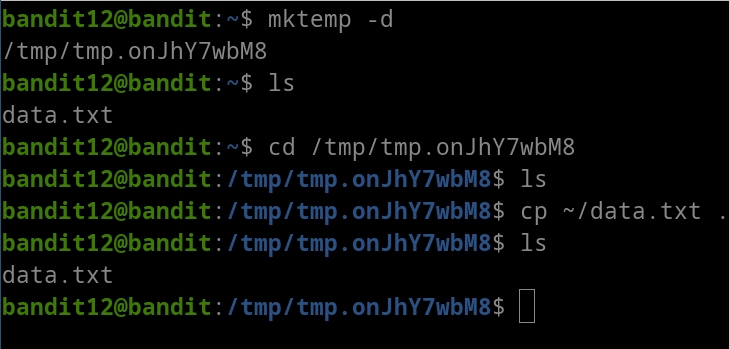
but first lets make the tmp directory and copy the data file to it:
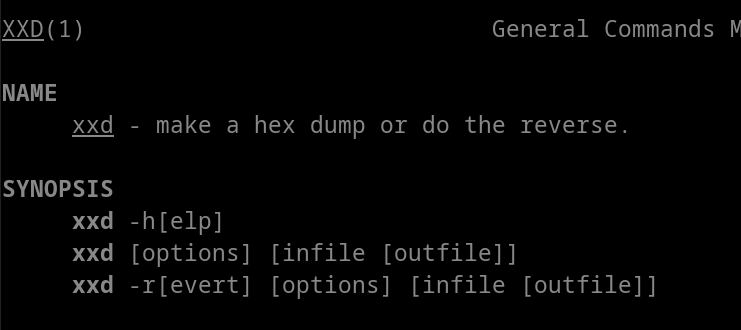
taking a look at the command xxd we see:
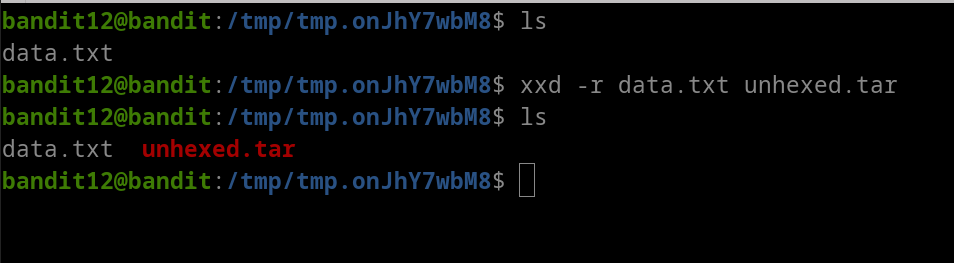
 great! ill just use
 xxd -r:
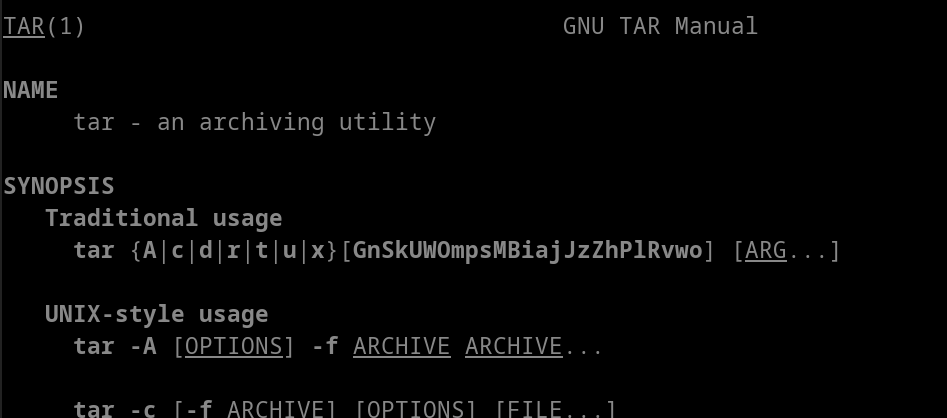
the instructions also mention that the file has been repeatedly compressed. so i’ll also take a look at the man pages for tar:

after some research:
- compression is a method which makes a file smaller.
- an archive file is a single file that contains multiple other files.
although i did know that, i had confused the two concepts together. the instructions specifically mentioned compression, not archiving.
taking a look at the man pages for file:
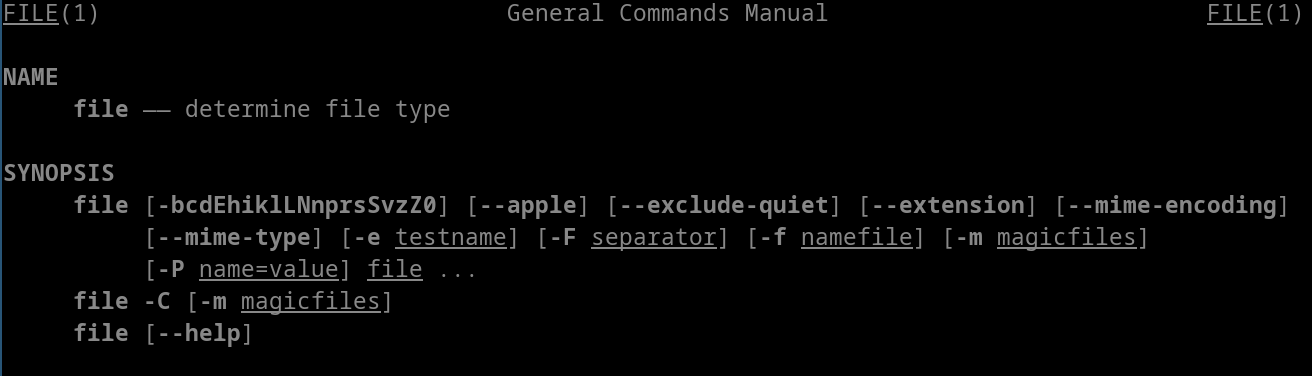
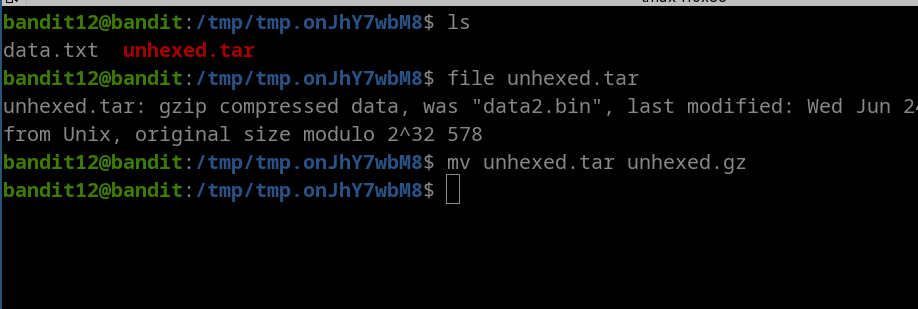
ill use this to find the actual compression type:

so it’s gzip compression, ill take a look at its man pages: 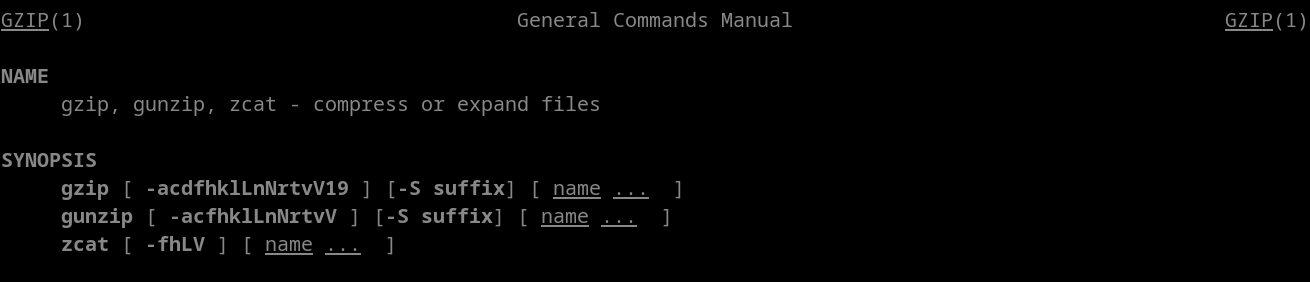
 so ill change the file from
 .tar to .gz:
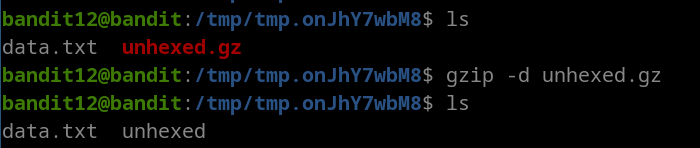
looking for decompression in the gzip man pages:

decompressing:
 as the instructions say, the file has been compressed multiple times, so ill check the file type again:

now its using bzip2 compression, taking a look at the man pages for bzip2:
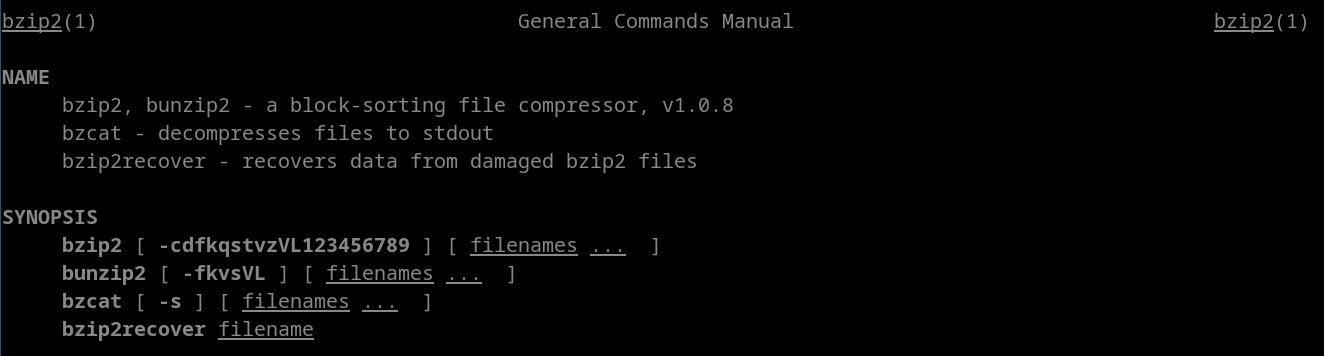

ill first try out bzcat: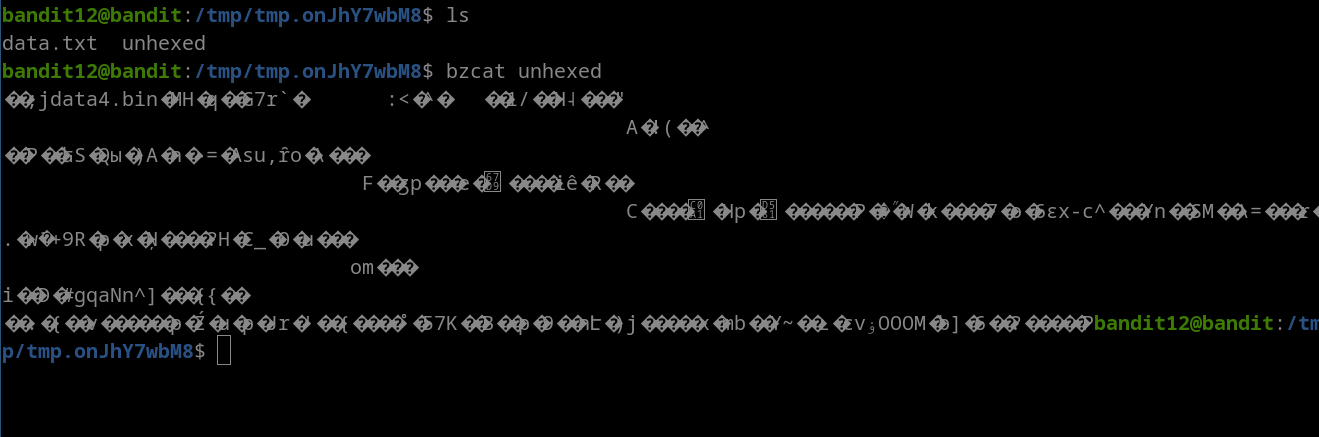
ill also try to use bzip2 -d:
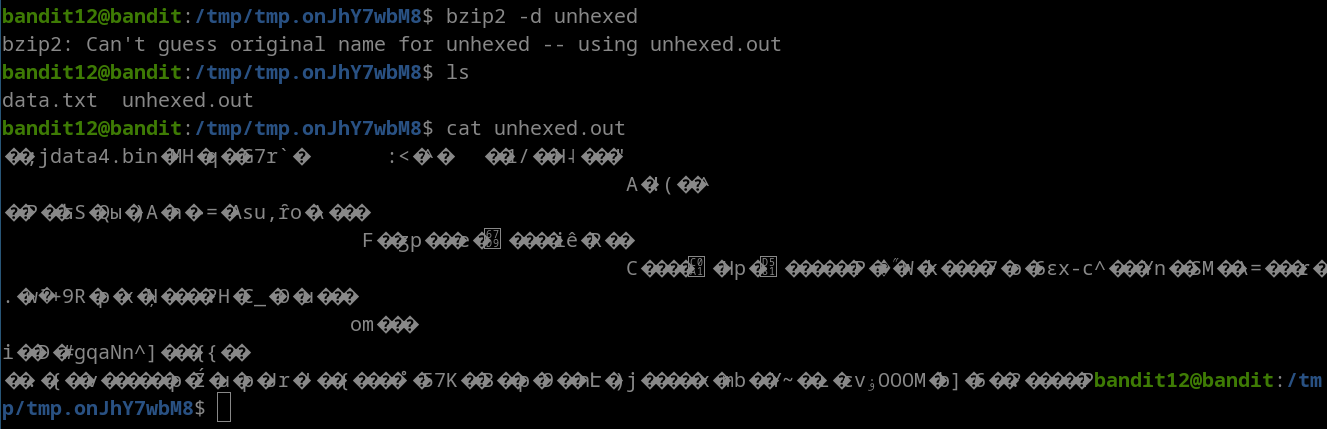
great, ill check the file type again:

its using gzip compression, so ill exctract it:
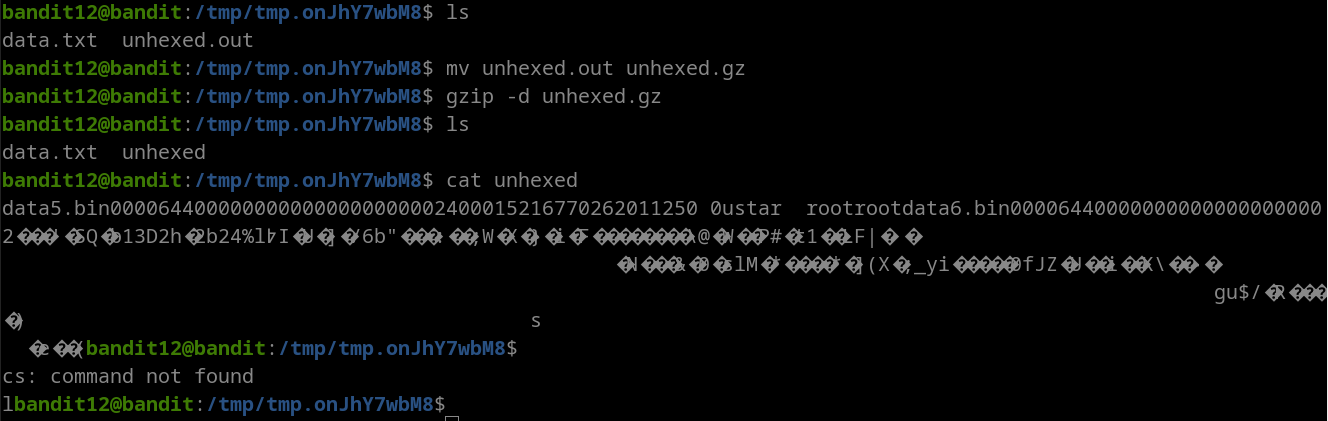 seems like theres a file name coming together.
using file again:
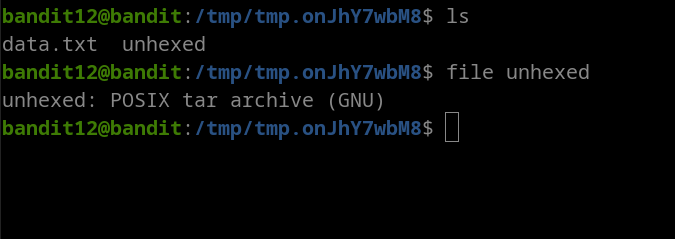
now its a tar archive, ill rename it and extract using tar -x:
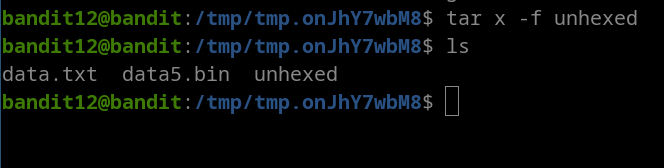 a new file has popped up! repeating the proccess:
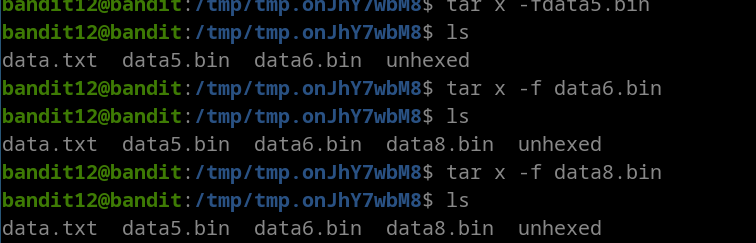
data8.bin seems to be gzip compressed data, so decompress:
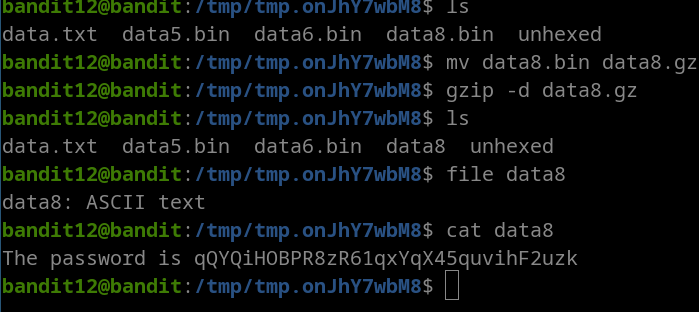
lessgooooo that was a long one
flag: qQYQiHOBPR8zR61qxYqX45quvihF2uzk